Miguel GonzalezJade Digital Labs, Las Vegas

Built to be seen. Made to work.

Your business, set up everywhere customers look.

Below, examples with made-up businesses: each one on the map, in an AI answer, on its own website and getting a new lead, beside what I set up for it, from Google Business Profile and Search Console to Bing Webmaster Tools, Apple Business, Yelp and site watch.

Where I set up your business

Every listing in your name, matching, and watched.

Google Business ProfileGoogle Search ConsoleGoogle Merchant CenterApple BusinessBing PlacesBing Webmaster ToolsFoursquare

Logos and names belong to their owners. Jade Digital Labs is not affiliated with or endorsed by them.

Your business online

Where your customers look for you.

Before anyone calls you, they look you up: on Google, in Apple Maps, on Yelp, or by asking an AI assistant. Each of those places reads your business from its own listing. I set each one up with you, in your name, and keep them all saying the same thing.

Google

Where most people start, and where your reviews live.

3 placesHow I set these up

Google Business Profile

The biggest one: you in Google Maps and in the map box when people nearby search, with your calls, directions and reviews.

What I doPrimary and secondary categories matched to the businesses that show up first near you, every true service, real and holiday hours, new photos monthly, a tagged website link, and Google's suggested edits checked every few days, before its 4-day window closes.

Google Search Console

Gets your pages into Google, and shows the exact words people search to find you.

What I doYour domain verified with a DNS record, your sitemap submitted, and Google's indexing and Core Web Vitals reports watched, so a page that drops out of Google gets fixed.

Google Merchant CenterOnline shops

Your products, with picture and price, in Google Shopping for free.

What I doA product feed from your store with prices, stock and shipping, kept in sync so your free listings stay accurate.

Maps and Bing

iPhones, Windows and the assistants built on them.

3 placesHow I set these up

Apple Business

iPhone users see your place card in Apple Maps, Siri, Spotlight and Safari.

What I doYour place card claimed and verified, with category, hours, photos and a tagged website link matching Google, so Siri and Maps give the same answer.

Bing Places

Bing Maps, and local answers in Microsoft Copilot, which runs on Bing. ChatGPT search draws on Bing too.

What I doImported from your verified Google profile, which lets Bing verify it on its own, then kept matching.

Bing Webmaster Tools

Being found on Bing, which Microsoft Copilot uses for its answers and ChatGPT search draws on.

What I doImported from Search Console, your sitemap submitted, and your site open to Bing's crawler.

Reviews and neighbors

Where people decide whether to trust you.

3 placesHow I set these up

Google reviews

More reviews and good ratings help you win the call. Most people care most about the last three months.

What I doYour review link and QR code on every invoice, the same ask after every job (never only the happy ones), and a reply drafted for every review.

Yelp

People check it before they go, and ChatGPT leans on Yelp for local answers.

What I doClaimed and complete: categories, hours, photos and a tagged link. Yelp doesn't allow asking for reviews, so I never do.

Facebook, Nextdoor and BBB

Where neighbors recommend businesses, and where people check before they buy.

What I doEach one linked to your site with its own tracking tag, and the same name, address, phone and hours as everywhere else.

Every client's dashboard

What runs for you, every day.

Hire me and you get your own dashboard, with all of this in one login.

Site watch

Your site, watched.

Checked around the clock, so a problem gets caught within minutes, not when a customer calls. Knowing your site is down before a customer does.

Leads

Every lead, saved.

Each form your site sends lands in your dashboard too, with how they found you.

Sample leads for a made-up flower shop

Visitors

Proof of what's working.

Visits, where they came from, AI assistants like ChatGPT included, and taps on Call or Order.

Sample numbers for a made-up flower shop

AI answers

Ready for AI search.

Your site lets ChatGPT search read it, and your listings are the places assistants pull from.

A sample answer about a made-up shop

Changes

Ask for a change, watch it get done.

Text, photos, prices, hours or a new page: Received, In progress, Done.

Try the demo dashboardA sample dashboard, set up for a made-up flower shop.How I look after your site

AI assistants

Found in AI answers, too.

People now ask AI assistants, not just search. Each one finds businesses in different places, so I set up the places each one reads.

ChatGPT

Where it looksBing, Yelp, and its own search crawler.

What I doYour site open to its crawler, your Yelp listing complete, your site in Bing.

Microsoft Copilot

Where it looksBing and Bing Places.

What I doBing Places and Bing Webmaster Tools set up.

Google AI Overviews and Gemini

Where it looksYour Google Business Profile, your reviews and your site.

What I doA complete profile and a steady flow of reviews.

Siri and Apple Maps

Where it looksApple Business, with reviews from Yelp.

What I doYour place card set up and Yelp claimed.

Perplexity

Where it looksIt cites Yelp. Its other sources are not confirmed.

What I doYelp complete and your site open to its crawler.

Assistants give a different answer almost every time, so no one can promise a spot. What I can do is make sure every place they read has your business, and has it right. More on AI answers

How I work

One person you can reach.

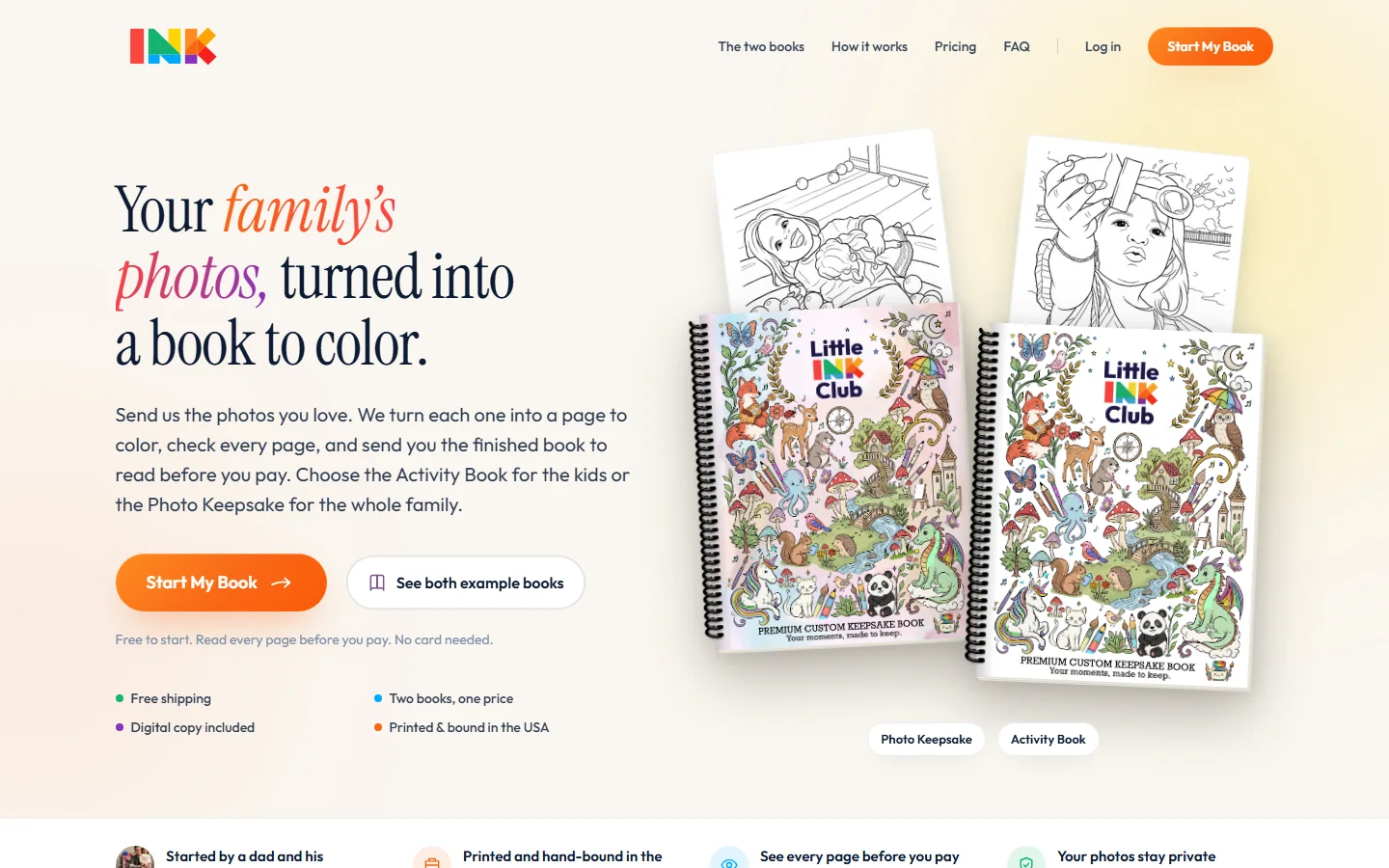
I'm Miguel Gonzalez. I build and run my own businesses online from Las Vegas, including Little Ink Club, which I co-founded. Jade Digital Labs is how I build the same foundation for businesses anywhere in the US: a site that works, a simple way for customers to reach you, and someone who keeps it running.

  • You deal with me directlyFrom the first call to every change after launch.
  • Everything stays in your nameYour domain and your listings stay in your own accounts, in your name. You add me as a manager with my own login, and can remove me any time.
  • I never need your passwordsIf you already have a domain or a Google Business Profile, you add me as a manager. If you don't, I send you simple steps to make it in your own name.
  • You approve every changeText, photos, prices, hours and new pages, each approved by you before it goes live.
  • Month to monthThe plan is month to month. Cancel with 30 days' notice.

From a free check to a business that's easy to find.

  1. Step 1: Free site check

    Send me your business name and current website. I'll check how you show up on Google and on phones, and send you a short report: what's working, what isn't and what I'd fix first.

  2. Step 2: A private preview

    I build your new site on a private link. Click through it on your own phone and tell me what to change.

  3. Step 3: Launch

    When you approve it, I switch your web address over. Your email keeps working, and your old site stays up until the new one is live.

  4. Step 4: I keep it running

    Hosting, updates, security and changes for a flat monthly price. Need a change? Sign in to your dashboard and ask for it, or message me.

Real work, live today.

See all the work

Do it yourself, with your AI

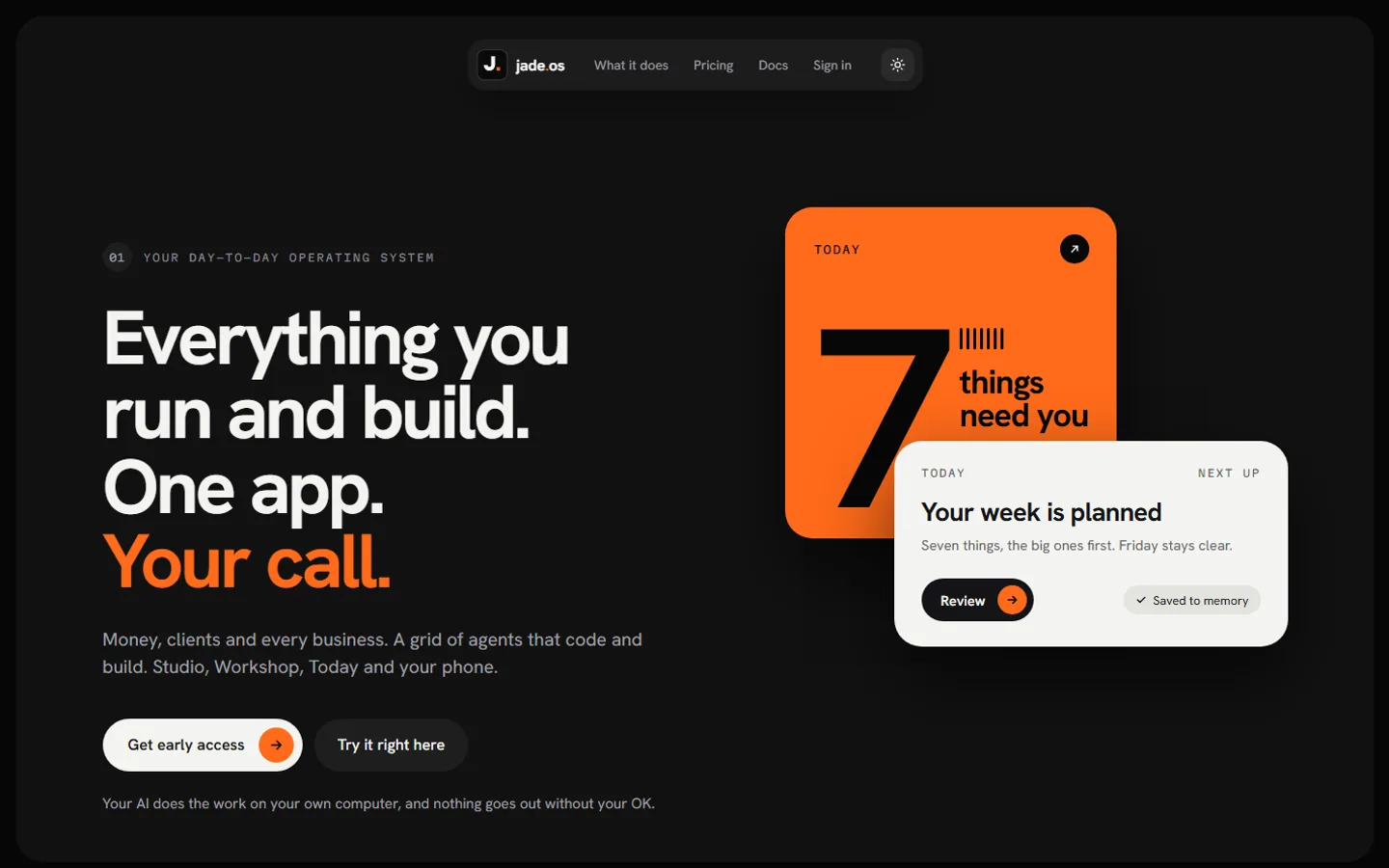
Your AI runs it, with jade.os

Run your business with your own AI in jade.os. In a small beta on Windows, by invitation.

Questions owners ask.

Anything else? Email me at miguel@jadedigitallabs.com.

How long does it take?

Most sites take 1 to 3 weeks, and online stores take 4 to 6.

What does it cost?

A one-time setup fee, then a flat monthly price, both set for your business. Your proposal shows the exact price and everything that's included, in writing, and nothing is charged until you approve it.

How do I pay?

The setup fee when you approve your proposal. Then the monthly price, starting one month later on the same date, while I build your site and after it's live.

Who owns my site?

You do. Your domain and your listings stay in your own accounts, in your name: you add me as a manager, and if you ever leave, you remove me and keep them all. I also hand over your whole site: the full source code, the design and all your content. If your proposal includes an early hand-over fee, it applies only if you ask to cancel within two months of your payment day.

Can I cancel my plan?

Yes. The plan is month to month. Give me 30 days' notice and I'll hand over your whole site. If your proposal includes an early hand-over fee, it applies only if you ask to cancel within two months of your payment day.

Do you need my passwords?

No. You add me as a manager with my own login on your domain, your Google listing and the other accounts that allow it, and you can remove me any time. If you don't have an account yet, I send you simple steps to make it in your own name.

Do you write the words?

Yes. I write them from what you tell me, and you approve every page. Logos and photography are quoted separately.

What about changes after launch?

Ask whenever you need something. Changes and new pages are part of the plan. If a request grows into a bigger project, like an app or a new feature, I'll quote it first and you decide.

Free site check

Your next chapter, built online.

Tell me about your business. I'll check your current site and how you show up on Google, then reply by email.

I reply by email. Privacy